With today’s high processor clock speeds and multiple cores, almost every home user has a few processor cycles to spare. The question is, what do we do with them and how do we make use of them for good? Distributed volunteer computing uses software and hundreds to thousands of computers around the world to create a super computer via the Internet. Distributed computing or grid computing is certainly nothing new with some of these projects having been around for quite a while, but both computers and the software have advanced quite a bit since you might have last thought about joining the grid to help further science. There also might be some projects listed here you didn’t know about that interest you and if you know a grid computing project that I didn’t list, certainly share that information in the forum.
Just as the Kiva and Kickstarter article showed you some ways to put your idle money to good use, this article will show you how to put your idle computer to work for improving our world.
Folding@Home
Folding@Home is a well-known distributed computing system that puts volunteered computing power to work to assist researchers investigating different diseases. By understanding protein folding and misfolding, the researchers may be able to understand and combat the related diseases like Alzheimer’s, Huntington’s, Parkinson’s Disease and some cancers. By using distributed computing, protein folding simulations are able to be crunched in parts around the world and then the results are sent back to Stanford.
The coordination of downloading the data, processing it, and uploading the results is all controlled by a small agent that you download and install. Not only Windows computers and Macs but also Linux systems like Ubuntu can work with Folding@Home and with quite some ease using Origami. Beyond computers, even the Playstation 3 can make use of Folding@Home and contribute during its idle time.
The installation of the Folding@Home software is a breeze. For Windows computers it comes as two versions, one gives you a system tray icon the other does not for console use. The console version is good to use if you don’t want the application to be a distraction whereas the System Tray version allows you to easily see the work units in progress and other settings.

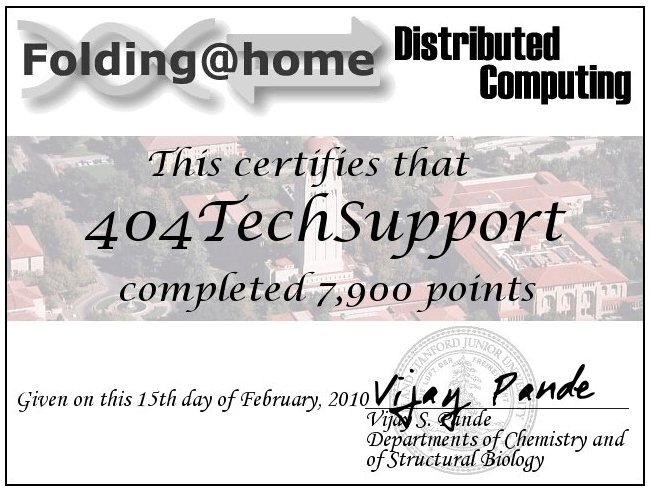
Partially for tracking and partially for motivation, Folding@Home allows you to monitor your statistics about how many work units or points you have earned through spare processing power. You can see your individual statistics or team statistics. If you’d like to join Team 404 Tech Support, use team number: 180008
BOINC

BOINC is also a well-known volunteer computing software package, but the software is probably not nearly as well-known as some of the popular projects that utilize BOINC. It allows researchers to wrap their projects in the BOINC software for easily adapting to an existing grid computing network. Unlike Folding@Home, BOINC can serve multiple projects. It will rotate through any projects you subscribe to at a custom-defined time (default: every 60 minutes). There are a wide variety of projects that you can contribute to through BOINC, some of them include:
- SETI@Home – Perhaps the most popular, SETI@Home uses grid computing to analyze radio telescope data in the Search for Extraterrestrial Intelligence.
- LHC@Home – The LHC@Home project computes data for particle accelerators like the Large Hadron Collider.
- Cosmology@Home – This project run at the University of Illinois seeks the model that best describes our Universe.
- World Community Grid – The World Community Grid is sponsored by IBM and uses BOINC for a number of different projects that all have humanitarian aims.
The BOINC software allows an easy view and a more advanced view (seen below) where you can configure the finer details regarding your preferences and view the progress of your computations.

Since BOINC so easily works with other projects, you might be interested in Grid Republic, a system for BOINC that allows you to manage multiple BOINC projects with a single login.
Other Systems
If you’re looking into contributing to a grid computing network or wanting to make use of one, you should also check out:
The Condor Project, run by the University of Wisconsin, Madison.
TeraGrid, which is coordinated by the University of Chicago.
Conclusion
Certainly you know someone affected by one of the diseases being researched or have an interest in some of the areas of science being explored that getting involved with Grid Computing makes sense. When you’re not using your computer, you might as well let some good come of it. You never know, the numbers you crunch today may be used in research tomorrow that saves your life some day. Look into the projects listed above or find others in some of the links to find a project you can proudly contribute to and know you’re making a difference in scient.
If you’d like to find out more about grid computing, check out Grid Cafe. If you know of other related resources that I failed to list, please share them in the forum topic.